Frigate vs Blue Iris vs Agent DVR UK 2026 — Best NVR Software for Home CCTV
Last updated: May 2026 | Based on running home CCTV with PoE cameras and Home Assistant integration
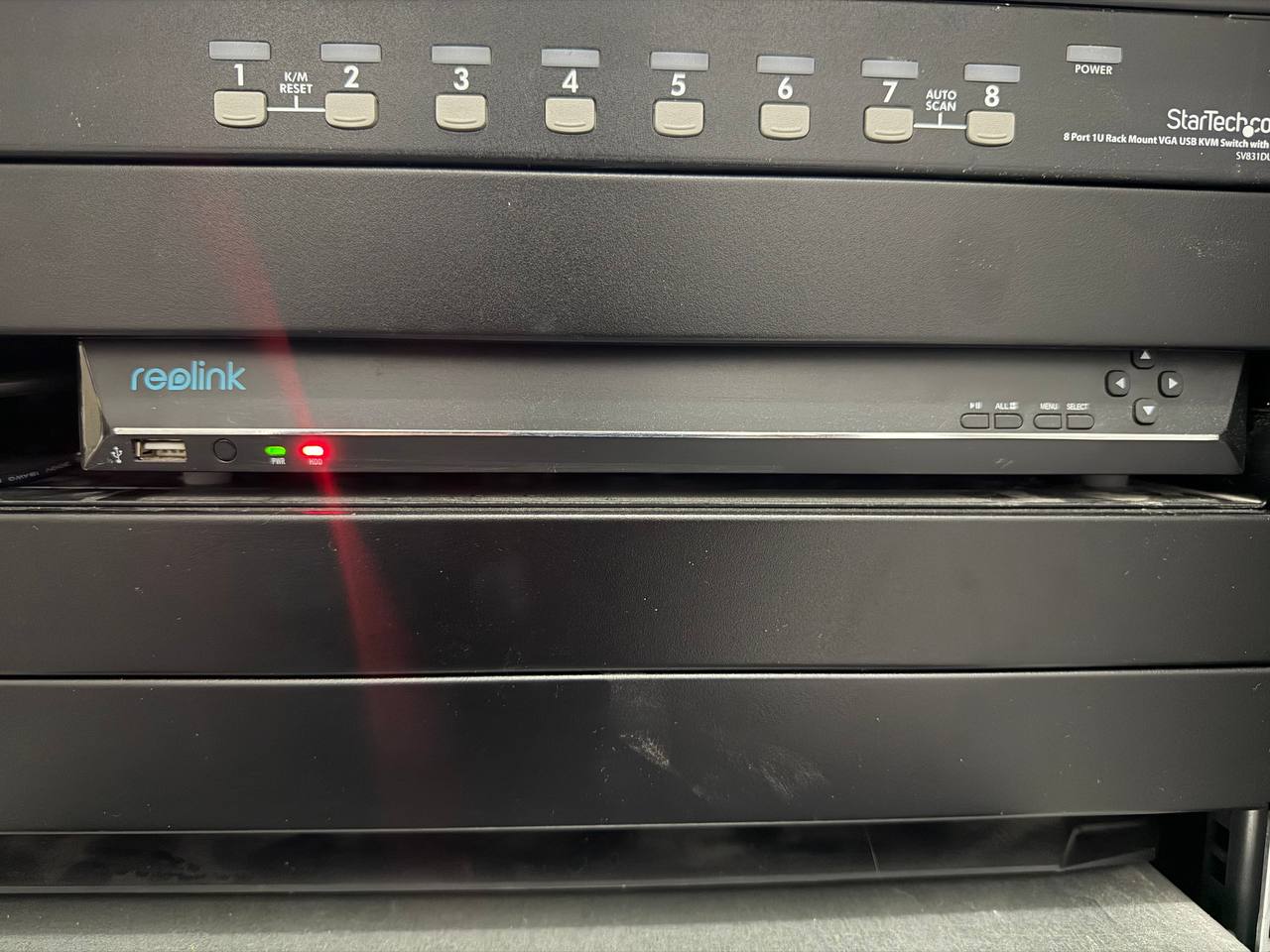
If you're comparing NVR software because the wider CCTV/Home Assistant setup needs a quick sanity check, start with our Home Assistant audit intake. Buying an NVR box like the Reolink RLN36 is the easy path — plug it in, it works. But software NVR running on a PC, NUC, or Raspberry Pi unlocks something hardware NVRs can't match: true AI object detection, full Home Assistant integration, and total control over your data. Three names dominate the NVR software space for home users in the UK: Frigate, Blue Iris, and Agent DVR. They're very different products aimed at different users. Here's the honest breakdown.
Own a subscription product?
If your cameras, apps, or monitoring service hide key features behind recurring plans, the subscription retention audit can help you spot the friction before it quietly hurts renewals.
Book the auditSizing the camera side first?
Before you settle on NVR software, check your PoE power budget or compare switches so the hardware side is right too.
Selling NVR software or monitoring access?
If your cameras, software, or monitoring service hides features behind recurring plans, the subscription retention audit can help you find the friction before it hits renewals.
Book the auditQuick Comparison Table
| Feature | Frigate | Blue Iris | Agent DVR |
|---|---|---|---|
| Price | Free (open source) | ~£60 one-off | Free / £3/month cloud |
| OS | Linux / Docker | Windows only | Windows, Linux, macOS |
| AI detection | ✅ Built-in (YOLOv5/v8) | ✅ Via plugins | ✅ Built-in |
| Home Assistant | ✅ Native MQTT | ✅ Via add-on | ⚠️ Limited |
| Hardware requirement | Pi 4 minimum, Coral TPU ideal | Windows PC (4GB+ RAM) | Modest — runs on old hardware |
| Camera compatibility | RTSP/ONVIF | RTSP/ONVIF + 2,000+ models | RTSP/ONVIF + plugins |
| Recording storage | Local / NAS | Local / NAS | Local / cloud optional |
| Setup difficulty | ⭐⭐⭐⭐ (YAML config) | ⭐⭐⭐ (Windows GUI) | ⭐⭐ (Very easy GUI) |
| Best for | Home Assistant users, homelab | Windows users wanting polish | Beginners, multi-OS |
Frigate NVR — The Home Assistant Choice
Frigate is a free, open-source NVR built specifically with Home Assistant in mind. It runs as a Docker container or Home Assistant add-on, uses YAML configuration, and integrates AI object detection natively using Google's Coral TPU (or CPU-only mode).
What Makes Frigate Different
Frigate doesn't just record video — it understands it. It can detect people, cars, dogs, and cats in real-time, fire MQTT events straight into Home Assistant, and trigger automations based on what it sees, not just motion pixels. Run it right and you get near-zero false alarms.
Hardware requirements:
- Minimum: Raspberry Pi 4 (4GB) or Intel NUC — CPU-only mode is slow
- Recommended: Add a Coral USB Accelerator (~£50) for real-time inference at any camera count
- Storage: USB SSD or NAS for recordings
Camera compatibility: Works with any camera that supports RTSP streams — all PoE cameras we've tested work perfectly, including Reolink, Hikvision, and Amcrest.
Frigate Pros
- Completely free — no subscriptions, no licence fees
- Best Home Assistant integration of any NVR (native MQTT, HA add-on available)
- AI detection without cloud — everything stays local
- Active development, large community, excellent documentation
- Supports multiple camera streams per camera (low-res detect + high-res record)
Frigate Cons
- YAML configuration has a learning curve — not for complete beginners
- Runs on Linux/Docker; Windows users need WSL2 or a separate machine
- Without a Coral TPU, CPU usage on high camera counts gets heavy
- No polished GUI — web interface is functional but bare
Best for: Home Assistant users, homelabbers, anyone who wants maximum automation capability and doesn't mind a little setup effort.
Blue Iris — The Windows Professional
Blue Iris has been the go-to NVR software for serious Windows users for over a decade. It's not free (around £60 one-time licence), but it's the most polished, feature-complete software NVR available.
What Makes Blue Iris Different
Blue Iris runs as a Windows desktop application with a full GUI. It supports over 2,000 camera models natively, has deep scheduling controls, and its AI alert filtering (via DeepStack or CodeProject.AI integration) is excellent once configured. It's been battle-tested in real security installations, not just home labs.
Hardware requirements:
- Windows 10/11 PC or dedicated mini PC
- 4GB RAM minimum; 8GB+ recommended for multiple cameras
- GPU optional but helpful for high camera counts
- Works well on an Intel N100 mini PC (~£150–200)
Camera compatibility: Exceptional — Blue Iris has direct support for specific camera models from Reolink, Hikvision, Dahua, Amcrest, and hundreds more. If you're running a Reolink RLN36 and want software as a secondary option, Blue Iris handles Reolink streams without fuss.
Blue Iris Pros
- Best-in-class Windows GUI — genuinely polished and feature-rich
- Widest camera compatibility of the three
- One-off licence (~£60) — no ongoing costs
- Excellent scheduling, zones, and alert filtering
- Free trial available before you commit
Blue Iris Cons
- Windows only — not suitable for Linux/Raspberry Pi/Docker setups
- Home Assistant integration requires a third-party add-on (works, but not native)
- Steeper licensing cost upfront vs free alternatives
- AI features require separate DeepStack/CodeProject.AI setup
Best for: Windows users who want the most polished NVR experience and don't mind paying for it.
Agent DVR — The Accessible Option
Agent DVR (from iSpy) is the most beginner-friendly of the three. It runs on Windows, Linux, macOS, and even Raspberry Pi, offers a web-based interface, and has a free tier that covers most home use cases.
What Makes Agent DVR Different
Agent DVR is the easiest to get running. Install it, open a browser, add your cameras — done. There's no complex config file to write. Its cloud option (£3/month) adds remote access and cloud storage, but local-only use is free.
Hardware requirements:
- Very modest — runs on older hardware, Raspberry Pi 3B+, Windows, Linux, macOS
- 2GB RAM minimum for a few cameras
- AI detection built in (uses its own models)
Camera compatibility: RTSP/ONVIF plus a library of pre-configured camera profiles. Most PoE cameras will work.
Agent DVR Pros
- Easiest setup of the three — browser-based, no YAML
- Runs on almost anything including old Windows PCs and Raspberry Pi
- Cross-platform (Windows, Linux, macOS)
- Free for local use; cloud tier is cheap
- Good basic AI motion filtering included
Agent DVR Cons
- Home Assistant integration is limited compared to Frigate
- AI detection less sophisticated than Frigate + Coral
- Web interface feels dated compared to Blue Iris
- Cloud features require a subscription
- Smaller community than Blue Iris or Frigate
Best for: Beginners who want NVR software running quickly without a steep learning curve.
Which Should You Choose?
Go with Frigate if:
- You're already using or planning to use Home Assistant
- You want local AI detection with no cloud dependency
- You're comfortable with Docker and YAML config
- You want maximum automation — automations triggered by "person detected at front door"
Go with Blue Iris if:
- You're on Windows and want the most feature-complete NVR GUI
- Camera compatibility is critical (you have a mix of brands)
- You prefer a one-off payment over ongoing costs
- Home Assistant integration is nice-to-have, not essential
Go with Agent DVR if:
- You're new to software NVR and want the easiest setup
- You have older or low-power hardware
- You want cross-platform flexibility (macOS, Linux, Windows)
- You don't need deep Home Assistant automation
Software NVR vs Hardware NVR — When to Use Each
Not sure whether to go software or hardware? Here's the honest answer:
Buy a hardware NVR like the Reolink RLN36 if: You want a set-and-forget setup with no maintenance. Plug it in, configure it once, forget it's there. It records reliably 24/7 without a PC running.
Use software NVR if: You want AI automation, deep Home Assistant integration, and don't mind a small amount of ongoing maintenance. Software NVRs are more powerful but require a dedicated PC or mini PC running continuously.
Many serious home setups use both — a hardware NVR for rock-solid continuous recording, and Frigate running in parallel for AI detection events fed into Home Assistant automations.
What You Need to Run Software NVR at Home
Whichever software you choose, you'll need:
- PoE cameras — our tested picks here
- A PoE switch — to power cameras and connect to your network (PoE switch guide)
- Dedicated hardware — a mini PC, old laptop, or Raspberry Pi 4/5
- Storage — USB SSD or NAS for recordings (NAS guide for homelabs)
- Home Assistant (optional but recommended) — full setup guide here
FAQ
Is Frigate NVR free?
Yes, Frigate is completely free and open source. There are no licensing fees, no subscriptions, and no cloud dependency. You run it on your own hardware and keep all your footage locally.
Does Blue Iris work with Reolink cameras?
Yes. Blue Iris has native profiles for Reolink cameras and works with all Reolink PoE and WiFi cameras via RTSP. It also integrates with the Reolink NVR series.
Do I need a Coral TPU for Frigate?
No, but it helps significantly. Frigate runs in CPU-only mode, which works fine for 1–3 cameras on decent hardware. For 4+ cameras with real-time AI detection, a Coral USB Accelerator (around £50) is strongly recommended to reduce CPU load and detection latency.
Can I use software NVR alongside a hardware NVR?
Yes. Many users run a hardware NVR for continuous 24/7 recording and a software NVR like Frigate in parallel for AI detection events. Cameras can stream to both simultaneously via RTSP.
What's the best NVR software for Home Assistant?
Frigate is the clear winner for Home Assistant users. It has a native MQTT integration, an official Home Assistant add-on, and fires structured events (person detected, car detected) directly into HA automations. Blue Iris works via a community add-on, and Agent DVR has limited HA support.
Is Blue Iris worth paying for?
If you're on Windows and want the most polished, feature-rich NVR experience, yes. The ~£60 one-off licence is reasonable for what you get — no recurring costs, better GUI than free alternatives, and excellent camera support.
Final Verdict
For most UK home users already in the Home Assistant ecosystem: Frigate is the answer. Free, powerful, local AI, and native HA integration — it's purpose-built for exactly this use case.
For Windows users who want something that just works with minimal tinkering: Blue Iris is worth the licence fee.
For complete beginners who want cameras recording tonight without reading YAML docs: Agent DVR gets you there fastest.
Whatever software you choose, pair it with solid hardware: good PoE cameras, a reliable PoE switch, and enough local storage to keep 30 days of footage. The software is secondary — the foundation matters more.