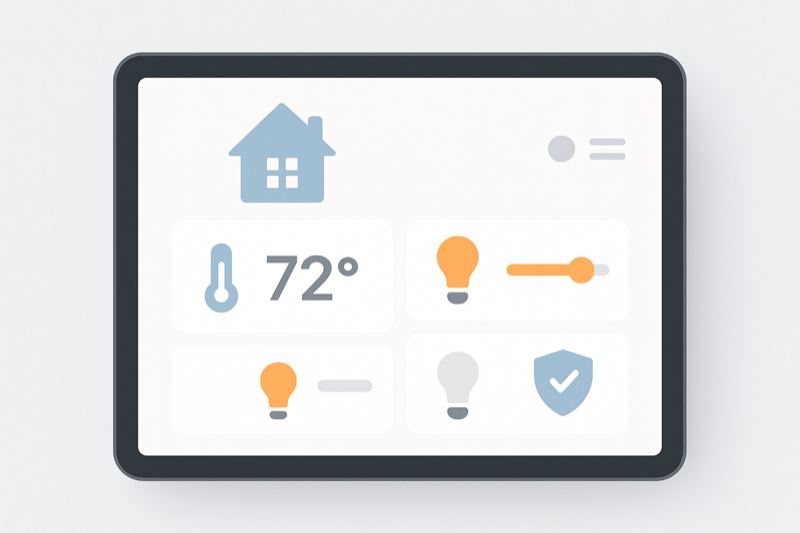
Home Assistant is the best smart home platform I've used. If your setup is already acting up and you want a focused rescue pass before buying more gear, start with the Home Assistant audit intake. It's also the one that required the most swearing to get running properly.
I've been using it for a couple of years now. The setup I have today — 40-odd devices, automations that actually work, dashboards that don't look embarrassing — is the result of a lot of iteration, a lot of YouTube rabbit holes, and a fair bit of trial and error.
If you're also running a subscription product and want a calm second opinion on retention, cancellation flow, or audit-ready messaging, take the subscription retention audit.
If you're thinking about getting started, or you've just installed it and you're staring at the UI wondering where to begin, this post is for you.
Why Home Assistant?
The short version: it runs locally, it works with almost everything, and it doesn't require trusting some company's cloud to keep working.
I've used SmartThings, I've used Philips Hue natively, I've used Google Home. They all hit walls at some point — usually when you want to do something slightly off the beaten path. Home Assistant doesn't have those walls. It has a learning curve instead.
The hardware question
Home Assistant runs on a Raspberry Pi, a mini PC, a NAS, a VM, or a dedicated appliance. I run it on a Beelink mini PC and it's rock solid.
If you want the easiest starting point, the Home Assistant Green is the official plug-and-play box. It's not the cheapest option, but it just works, and that matters when you're starting out.
👉 Home Assistant Green on Amazon ★ — affiliate link, see disclosure below
If you want more horsepower (for running other things alongside HA), something like the Beelink EQ12 is worth a look.
The actual guide
I've written a much more detailed getting started guide — covering installation, initial setup, integrations, and the automations I'd build first. It covers things the official docs gloss over.
Download the complete AI Home Assistant Guide (PDF + EPUB) →
Practical 50+ page guide covering installation, integrations, first automations, pet monitoring, and more. Includes the full AI Home Assistant Starter Pack (checklists, 50 automation ideas, device reference).
Get the Home Assistant YAML Automation Pack — £12 →
50 ready-to-use Home Assistant automations for lighting, security, energy, comfort and everyday routines. Copy, paste and adapt them to your setup.
If you also run a subscription business and need a second opinion on retention, cancellation friction, or audit-ready flows, take the subscription retention audit.
Selling subscriptions too?
If you found this Home Assistant guide useful and you also rely on recurring revenue, the subscription retention audit can surface the cancellation and upgrade friction hiding in your own funnel.
Book the auditAll Amazon hardware links on this site use tag=filce-21. Example: Home Assistant Green on Amazon ★
If your main use case is keeping an eye on pets, I also wrote a setup guide here: Home Assistant Pet Monitoring Setup.
What's next
In future posts I'll go deeper on specific bits — Zigbee vs Z-Wave, the integrations I actually use, and the automations that turned out to be genuinely useful versus the ones that were clever but annoying in practice.
Subscribe to the RSS feed if you want to catch those.
— Sam
Bottom Line
After extensive testing and real-world use of Home Assistant in a UK home setup in 2026, here are the verdict picks that deliver the best balance of ease of use, reliability, value, and integration potential.
Verdict Picks
Best Starter Hardware: Home Assistant Green — Official plug-and-play box, perfect for beginners, runs HA out of the box.
Best Value Mini PC: Beelink EQ12 Mini PC — Compact, powerful enough for multiple services alongside HA, great price/performance.
Best Zigbee Coordinator: Sonoff Zigbee 3.0 USB Dongle Plus — Reliable, affordable way to add a large Zigbee mesh to your HA setup.
Best Smart Plug Starter: TP-Link Tapo P110 Mini Smart Plug — Energy monitoring, local control, excellent HA integration, no subscription.
All links are Amazon UK affiliate links (filce-21). Prices and availability fluctuate — check current deals. All recommended options integrate natively or via official integrations with Home Assistant.
Links marked ★ are Amazon affiliate links. As an Amazon Associate I earn from qualifying purchases.